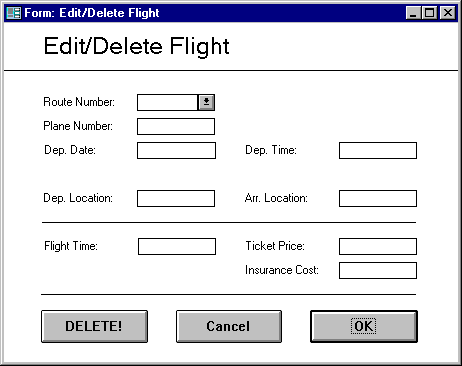
This form is used to edit or delete existing flights in the system.
To edit a flight use the List Flight function to select a flight. Once a flight has been chosen the user can change the data by selecting the field and typing over the old data. To delete the flight click the Delete button.
Clicking on OK with any field not filled in will display an error message to the effect of "UDDERS is not able to add the flight because the ___ field is not filled in." Errors where data is out of range for the field will result in a message to the effect that "UDDERS is not able to add the flight because the value ___ is not within the valid range for the field ___."
Group Name Can Access? Systems Admin X
Plane Admin X
Flight Admin
Booking Agents
Routes Table